
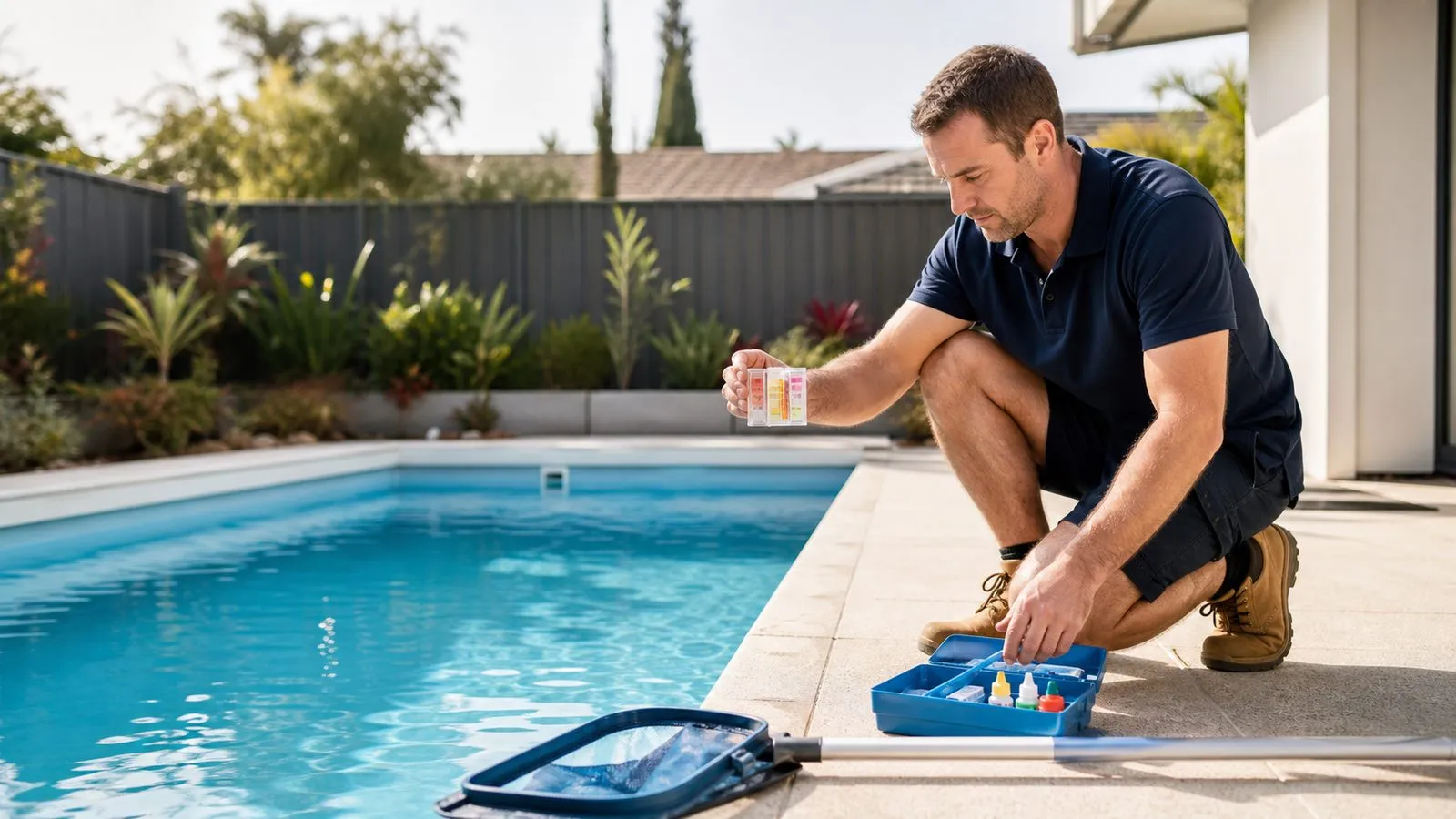
Which type of cleaner do you have?
A cleaner connected by a suction hose to the pool's circulation system behaves differently from an electric robot with its own filter. A pressure-side cleaner is different again. Find the model label and identify how the machine is powered and where it collects debris. The word automatic on a box does not tell you which troubleshooting process applies.
For a suction cleaner, the pool pump, hose and system filter are part of its operating conditions. For a robot, onboard filtration, its cable or battery, the selected cycle and its permitted pool surfaces matter. Do not apply a suction adjustment to a robot or assume a robot's filter instructions describe the main pool filter. Start with the manual that matches the actual model.
Keep swimmers out while testing cleaning equipment and follow the manufacturer's safety instructions. Disconnect power before owner maintenance, and do not reach into moving parts. Damaged electrical components or cables require appropriate professional attention. The aim of household troubleshooting is to gather useful evidence and perform approved basic care, not to open sealed motors or repair electrical parts beside the water.
Describe the symptom precisely
Watch a normal cycle from a safe position and note what fails. Does the cleaner fail to start, move without picking up debris, clean only one area, stop after a short period or fail to climb a wall? Those observations point to different checks. A message saying the cleaner is useless does not tell a technician whether it has a power, flow, filtration or coverage problem.
Record when the behaviour started and what changed beforehand. A filter clean, different pump schedule, newly fitted cover, new basket or a large debris event may be relevant. Include whether the cleaner has ever performed the disputed task. A floor-only model that never climbed walls is not necessarily faulty because a newer advertised model does.
Take a short video of the behaviour and photographs of any displayed error. Show the starting position and the area missed. Do not run a damaged unit repeatedly for filming. If a trip, grinding noise or damaged cable appears, stop using the affected equipment and report the issue. The observation should not create more damage in pursuit of a better recording.
| Symptom | First evidence | Avoid |
|---|---|---|
| Robot moves, poor pickup | Filter condition and seating | Assuming motor failure |
| Suction cleaner slows | System flow and hose condition | Closing unknown valves |
| Same area missed | Coverage sketch and setup | Changing every setting at once |
| Electrical trip or damaged cable | Model and safe-distance observation | Repeated resets or DIY electrical repair |
Why does a moving robot leave debris?
Check the robot's user-serviceable filter according to its manual. Fine material can restrict flow even when there is no large pile of leaves visible. Remove and clean the filter using the approved method, inspect it for damage and refit it correctly. A basket that is not seated properly can let collected debris escape or affect performance.
Match the filter option to the debris and the model. Some robots offer different filter grades, but they are not interchangeable across every cleaner. A fine filter may need attention sooner during a dusty clean. Ask whether a coarse-to-fine sequence is supported for your model rather than buying the finest insert and assuming it will handle a heavy leaf load best.
Check the intake and accessible areas only as permitted by the manual, with the unit safely disconnected. Do not remove protective guards or reach into an impeller to clear a blockage while power remains connected. If cleaned and correctly seated filtration does not change performance, record that result. It is valuable evidence and avoids repeating the same maintenance instruction during the service call.
If a suction cleaner slows or stops
A suction cleaner depends on the available flow through its hose and the pool system. Begin with observations: is the pump operating normally, is the water level appropriate, are there visible air bubbles and has the filter condition changed? If the circulation system itself is struggling, adjusting the cleaner alone may hide the real problem.
Inspect accessible hose sections for cracks, loose connections or obvious damage with the equipment in the safe state described by the manual. Check that the hose arrangement matches the cleaner's instructions. An arbitrary extra length can change handling, while insufficient reach can leave part of the pool inaccessible. Use the manufacturer's supplied flow indicator or procedure where applicable.
Do not close unknown valves or increase suction until the cleaner races around the pool. More force is not necessarily correct operation and can create other problems. Never test suction with your hand over an opening. If a basic approved setup check does not restore performance, ask for diagnosis of the cleaner and circulation system together, supported by the observations you recorded.
If the cleaner repeatedly misses the same area
Make a simple sketch showing the missed area, the cleaner's starting position and major obstacles. Steps, ledges, curved transitions and unusual shapes can affect coverage. Check the selected programme and advertised capability for the actual model. Some cleaners need a full normal cycle to demonstrate their coverage, while an early snapshot shows only a small part of the path.
For a cabled robot, follow the instructions for cable arrangement and sufficient reach. Do not stretch the cable tight or pull the cleaner out by it. For a hose cleaner, check approved hose length and positioning. These are different systems, but both can be limited by how they are set up. A repeated pattern is more useful to record than a general impression.
Observe whether the issue follows a particular obstruction or occurs throughout the pool. If the machine always stalls at the same ledge, film that transition safely and measure the feature for the service discussion. If the problem is random, record cycle duration, warnings and debris condition. Avoid changing several setup variables between trials or you will lose the ability to identify what helped.

Separate poor pickup from poor water quality
A cleaner removes debris within its designed capability. It does not replace the pool's sanitation and water-balancing routine. If the water is cloudy or algae is present, repeatedly running the cleaner may not address the underlying condition. Resolve the water issue with suitable testing and treatment advice rather than judging the cleaner by a task it cannot perform alone.
Some fine debris may be stirred up before settling again, which can look like successful cleaning until the floor is checked later. Record whether material appears in the cleaner's filter and whether the same deposits return after circulation. This helps distinguish pickup failure from debris arriving continuously from the yard or passing through a damaged filter.
A pool near active gardening or exposed paving in Pakenham may receive repeated fine material, but identify the actual source rather than assuming local dust explains everything. Compare a freshly cleaned area with the next day's condition and note wind or garden work. Managing incoming debris can be more effective than replacing a cleaner that is collecting it normally.
Choose a controlled next test
After one approved change, run the cleaner under its normal safe conditions and observe the specific symptom again. If you cleaned the filter, check whether pickup improves. If you corrected a cable arrangement, check whether the previously missed area is reached. Write the change and outcome together. Without that record, several helpful adjustments can become an unrepeatable accident.
Do not keep retrying a fault that immediately returns. Repeated electrical trips, unusual heating, damaged connectors or loss of reliable operation should be assessed appropriately. A unit that works briefly after cooling is not necessarily fixed. Give the technician the pattern, including how long it operated and what appeared on the display, rather than saying it sometimes works.
If the cleaner has an app, keep app messages alongside physical observations. A completed cycle message does not prove the floor was cleaned, just as an online status does not prove the filter is clear. Compare the reported state with the actual result. Avoid factory resets before recording settings and warnings, because a reset can erase evidence that would have helped diagnose the problem.
Decide between maintenance, repair and replacement
Ask a repairer to identify the failed function and the evidence supporting it. A worn brush or damaged filter is a different decision from a sealed drive fault. Request the proposed repair scope, parts availability and how performance will be checked afterwards. Keep the cleaner's purchase and service records available if the repairer needs them.
Compare replacement suitability before comparing headline features. The new cleaner should match the pool surface, shape, steps, debris and intended user. Ask whether it can perform the tasks the old cleaner failed to do. A model with more app functions may still be poorly suited to the same ledge or surface. A demonstration or a clearly described compatibility assessment can be more useful than a long feature list.
Consider owner maintenance and storage as part of the comparison. Can you comfortably lift the unit using its approved method, clean its filter and store it as instructed? Is the filter easy to obtain? An appliance that is difficult to maintain may gradually lose performance even when it was well matched at purchase. Keep these practical questions in the quote discussion.
A troubleshooting example with a useful result
Hypothetical example: an Officer homeowner says their robot moves normally but leaves fine dirt behind. The filter looks free of leaves, so they initially suspect a failed motor. They identify the model, disconnect it as instructed and clean the approved filter thoroughly. The next ordinary cycle collects more material and leaves a smaller patch behind.
That change supports continuing with filtration and debris assessment rather than immediately buying a motor or replacement unit. The remaining patch is photographed on a sketch of the pool. The homeowner records whether it returns after the robot finishes or is never removed. Those are different observations and lead to different follow-up questions.
If the improvement does not last, the technician receives the model, filter type, cleaning method and before-and-after results. The household has avoided an unsupported diagnosis while still making progress. The same approach would not be copied unchanged to a suction cleaner, where circulation and hose setup belong much earlier in the investigation.
Keep the cleaner working between service visits
After normal use, follow the cleaner's instructions for removal, filter care and storage. Do not leave a power supply in a wet location or coil a cable in a way that conflicts with its manual. Check accessible wear items during routine cleaning and report damage before it becomes a repeated operational fault. Small observations are easier to act on when recorded promptly.
Keep one record of the cleaner model, approved filter options, ordinary programme and pool surface. Add service dates and any changes that improved performance. If someone else uses the cleaner, show them the correct handling method and where the instructions are kept. A consistent routine prevents a helpful person from undoing a known working setup.
For a repair enquiry, send the symptom, equipment model, error information and the basic checks already completed. Include what changed immediately before the fault. Ask whether the cleaner itself or the wider circulation system needs assessment. That prepares a useful conversation and makes it less likely that a replacement is chosen before the actual cause has been established.